back to WRENS Help last update of this page: Monday 28.04.2008 10:23
This screen gives access to the core information needed to run the regatta, including the ability to print out the paper control sheets needed to run the regatta, and provide the fallback in the event of a system failure.
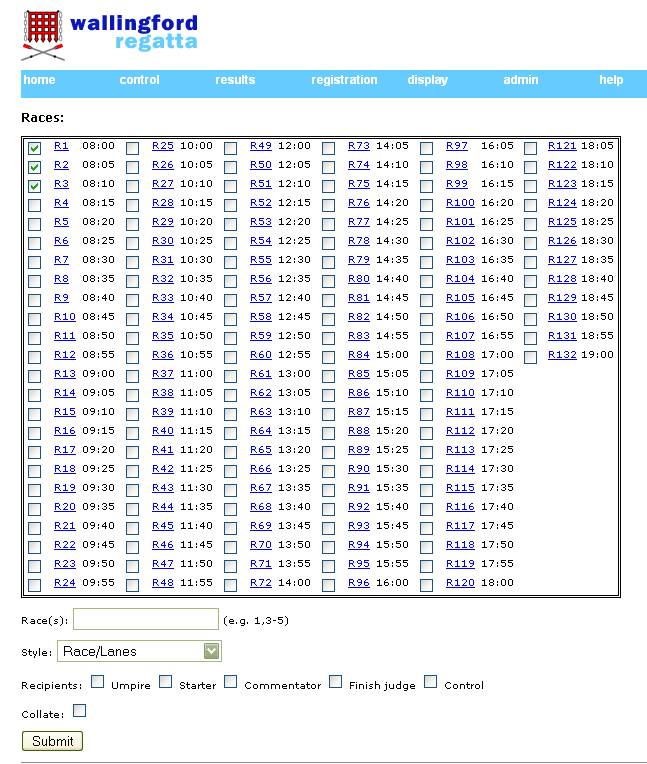
Top half of the screen screenshot
Select one or more races, either by ticking the check boxes, or entering a range underneath the table of races (eg 1-60).
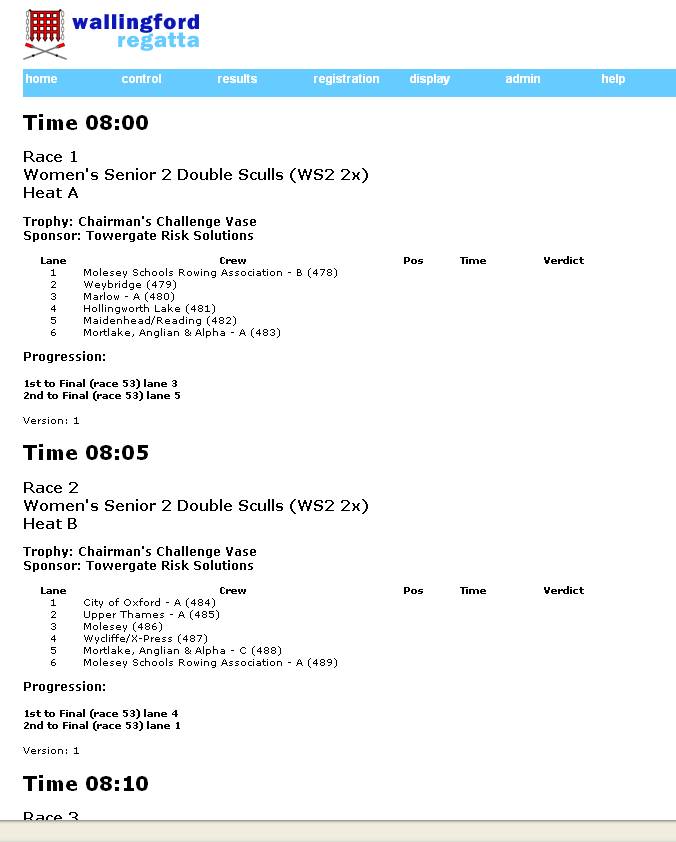
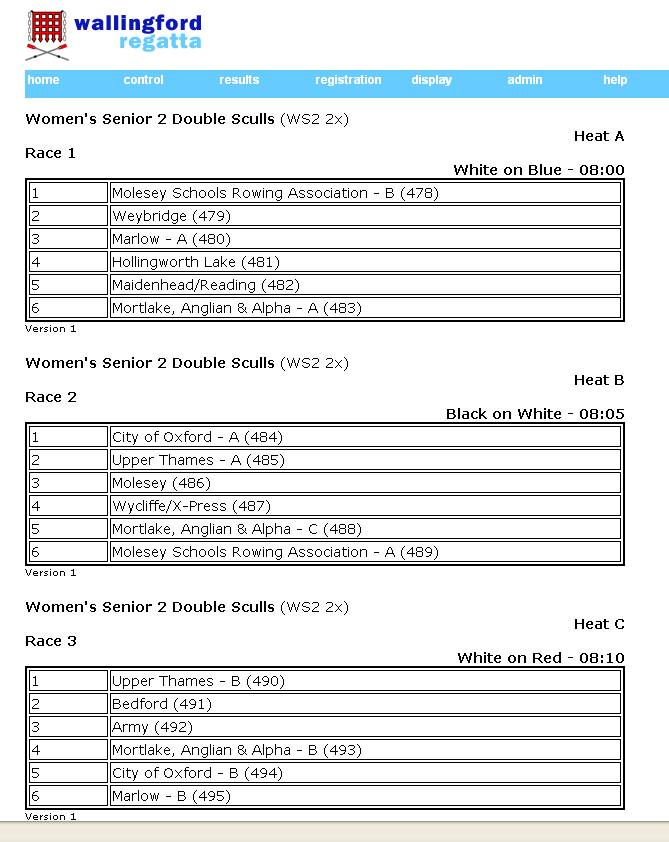
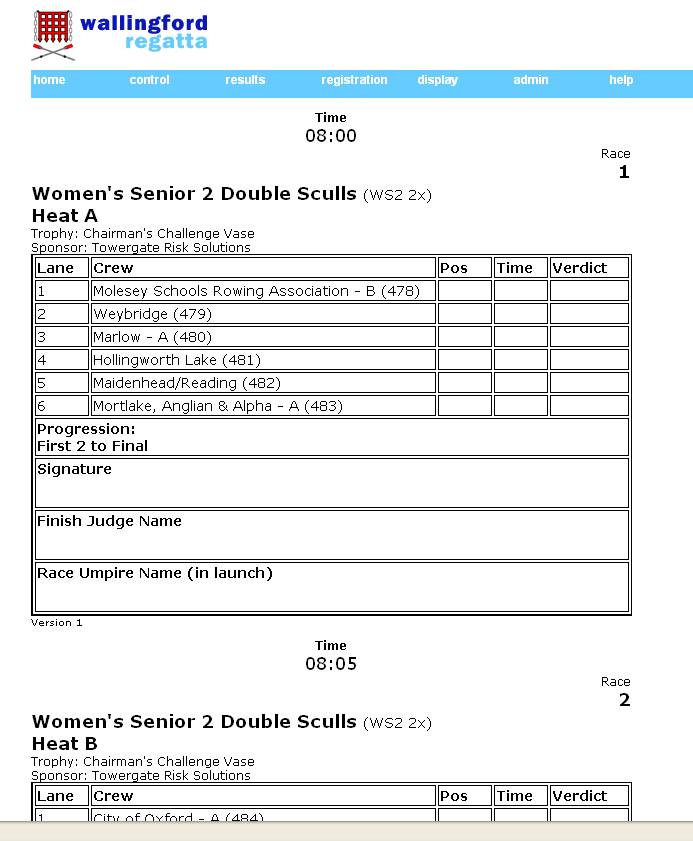
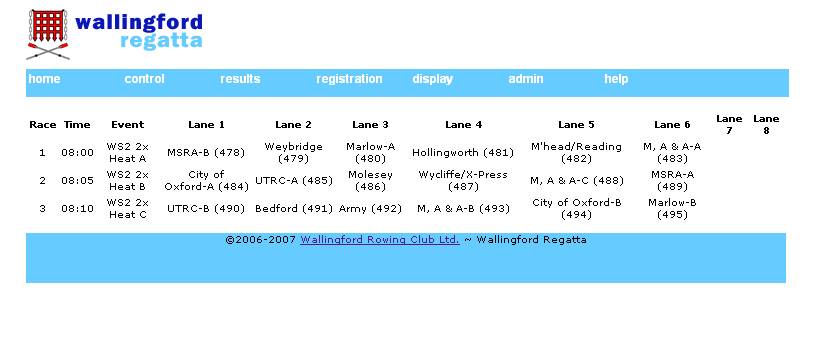
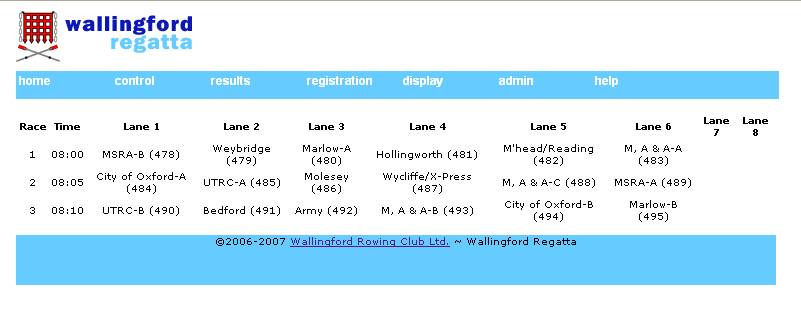
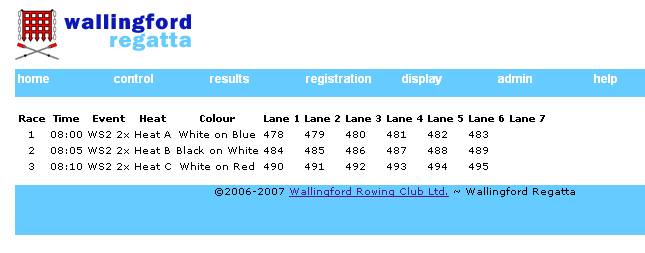
Select Output Style (linked examples based on selecting races 1-3):
If printing Form View, Select Recipients - tick one or more checkbox and when the sheet is printed, the recipients name will be placed top right of the page. On all other styles the recipient name will be ignored.
Check collate so that all the output for each recipient will be printed together, unticked you'll get all the recipients for each race, one race after another.
press SUBMIT
Notes
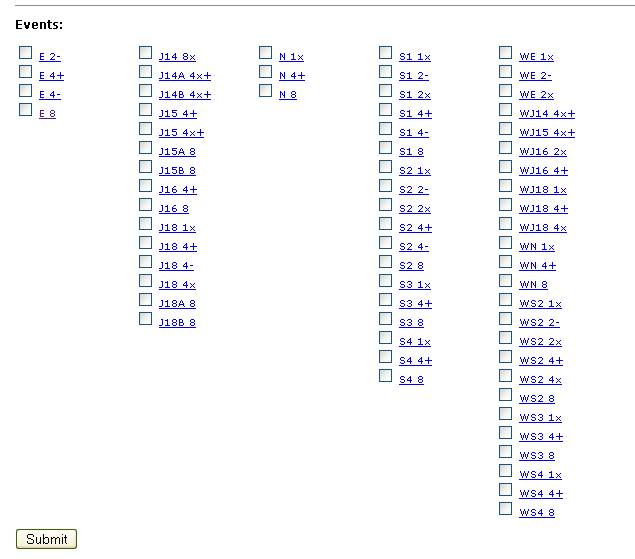
Lower half of screen screenshot
Select one or more events
press SUBMIT
See sample screenshot based on WS2 2x (races1-3 used in samples above)
If several events are selected, and they are printed, each event will be on a separate page.